
Domain verification is a process that confirms the ownership of a domain for your GPT experience. It helps prevent fraud and unauthorized access, ensures secure communications, manage access controls, and proves ownership of content created. Within our products, domain verification is required for advanced security features including single sign-on alongside the ability to publish your custom GPT to the GPT store.
How Domain Verification Works at OpenAI
Currently, domain verification can be required in two places:
The Custom GPT Builder Profile for non-Enterprise customers.
To verify your domain, head to [admin.openai.com/identity](admin.openai.com/identity).
Domains are typically verified by adding a specific DNS record (such as a TXT record) to your domain's DNS configuration.
Because domain verification is currently tied to specific OpenAI organizations, once one organization executes the domain verification, no other organizations can verify the same domain. This means that SSO and Builder Profiles should reside in the same organization with domain verification -- otherwise, a verified domain residing in one organization will subsequently block login access or Custom GPT publications in another organization for users who share the same email domain.
Common Errors
Your domain could not be verified
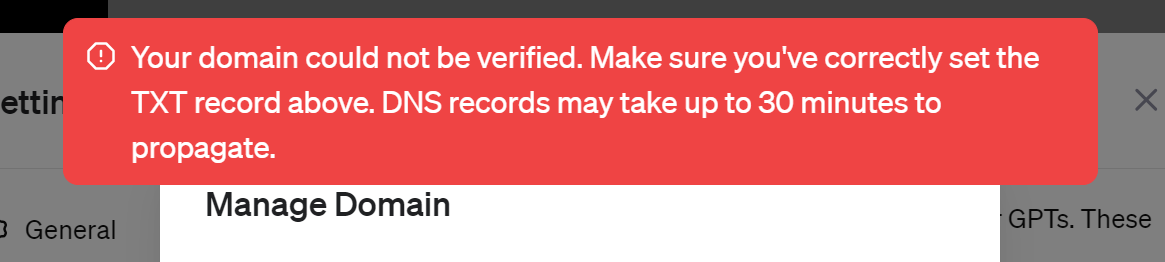
DNS propagation can take up to 24 hours. You can attempt verification as soon as your TXT record is live, and retry if propagation is still in progress.
If you are verifying the domain as part of your Custom GPT Builder Profile, you will need to check with your colleagues if the GPT can be created as part of your company's Enterprise organization. If you are using a different organization for the GPT Builder, you can still create GPTs but cannot publish them in the GPT store.
"We ran into an issue while signing you in, please take a break and try again soon"
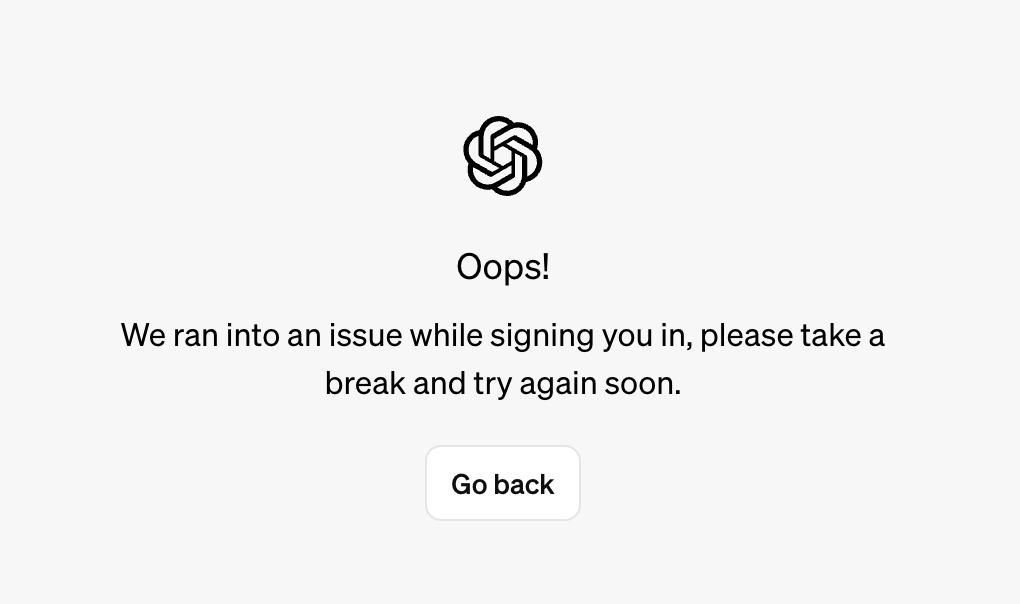
This error may happen if your domain was verified in another OpenAI organization, preventing all users from logging in to the OpenAI organization you belong to. You can check if other users are also seeing this same error message.
If the issues do not self-resolve after enough time has passed for the records to be registered, please reach out to Support for further assistance.