
The ChatGPT iOS mobile app is currently available in the countries listed on the ChatGPT Supported Countries article.
If you are an existing ChatGPT user, please log in with the same authentication method (username and password, Google, Microsoft, or Apple). When you're ready to subscribe to a paid ChatGPT subscription, there are a couple options.
Option 1: Upgrade on the web
Go to chatgpt.com, click on your profile menu and select the Upgrade your plan option with the available options listed.
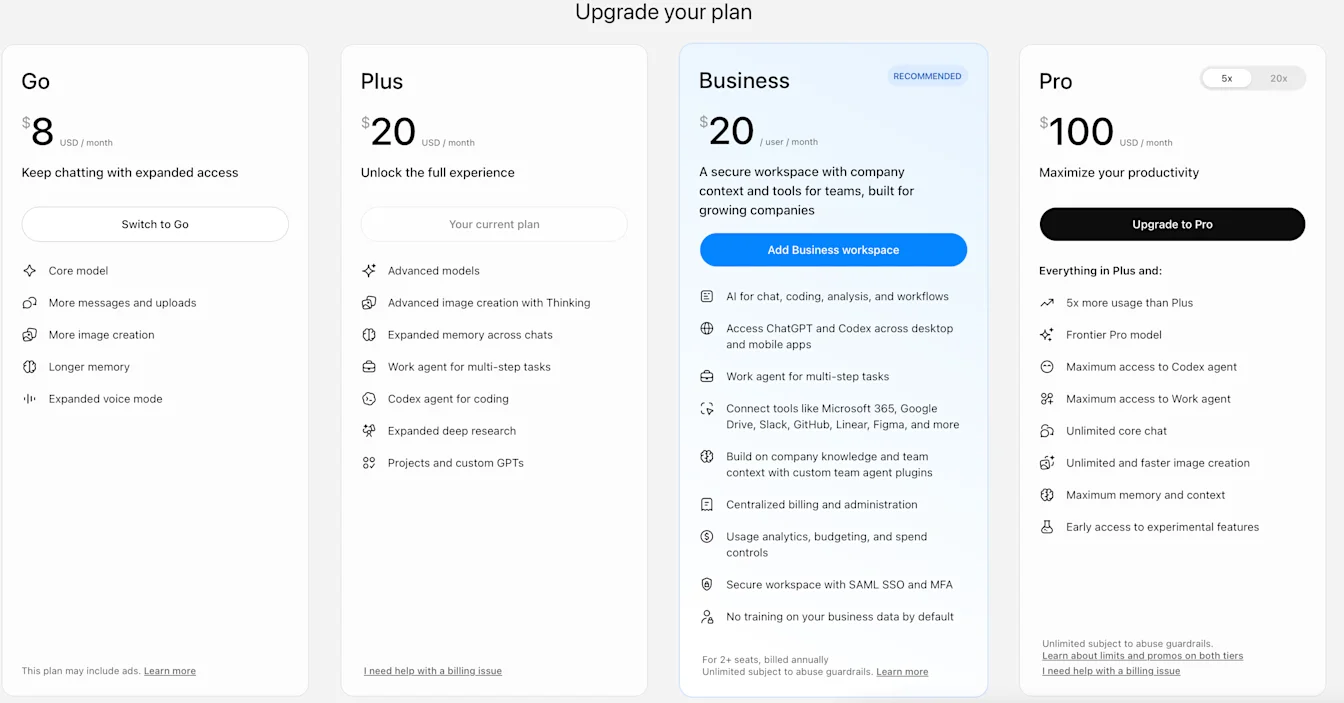
If you don't see your desired plan or currency available, ensure you have the correct country selected at the bottom of the pricing page.
Option 2: Upgrade via the iOS app
Note: In order to upgrade from Free to Pro you must upgrade from the web.
There are 2 ways to upgrade from the iOS app:
Open and sign into the ChatGPT app and click the Get icon at the top of the conversation. This will take you to the Apple subscription payment page to confirm your purchase.
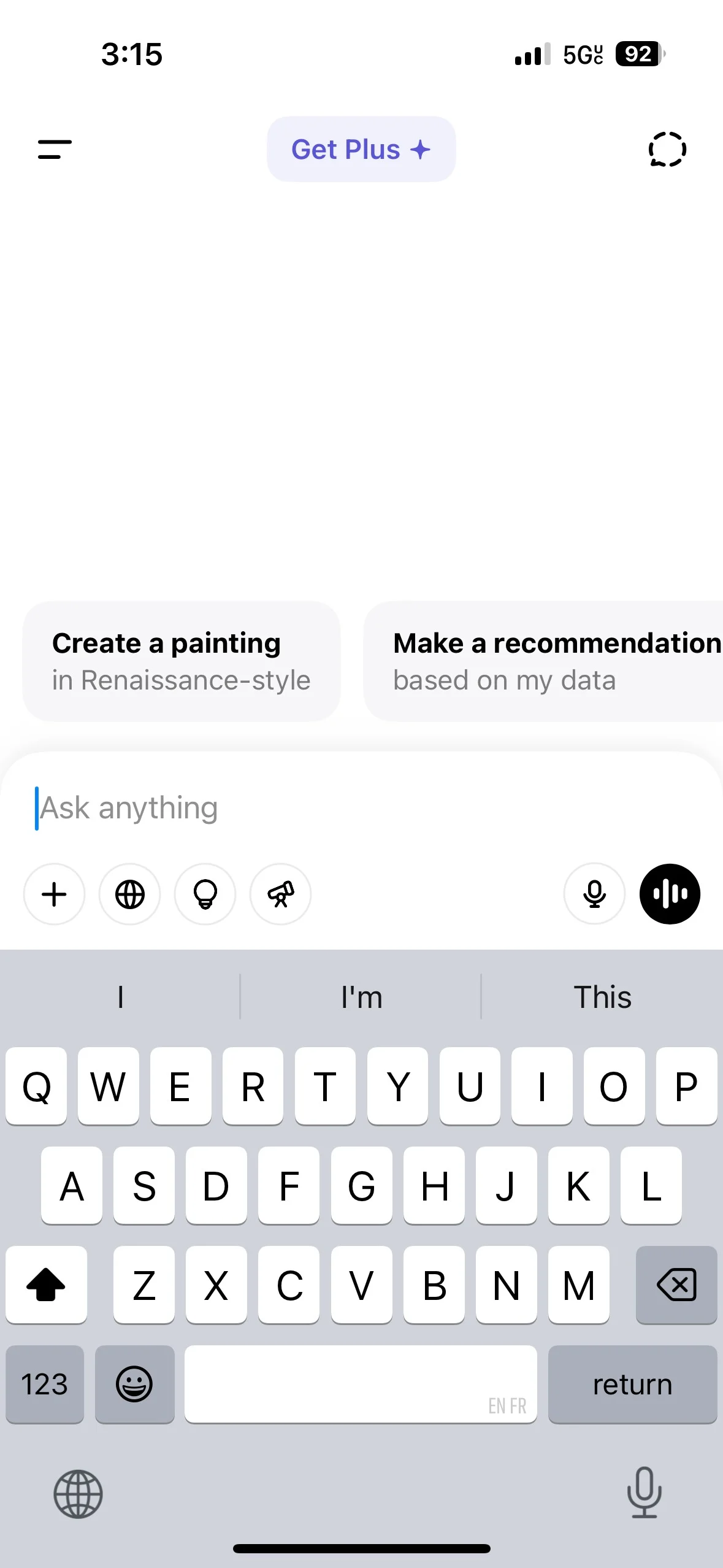
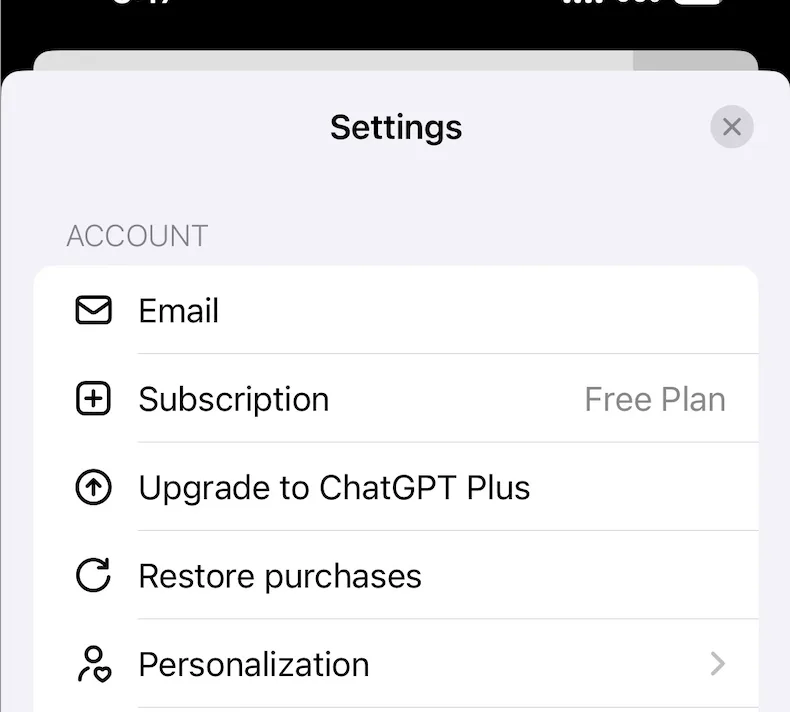
Click the two horizontal lines in the top left of the app to open the chat history & menu. Then click on your name at the bottom left of the screen to open Settings. From here click Upgrade.
For new ChatGPT subscribers
If you've downloaded the iOS app from the App Store but find the subscribe button grayed-out (light purple), this indicates that Apple is still in the process of activating the subscription feature. The message above the button will read, "In-app purchases are currently unavailable. Please try again later". This activation may take up to 48 hours. We appreciate your patience during this time.